Kubernetes Migration Failures: Top 5 Technical Mistakes
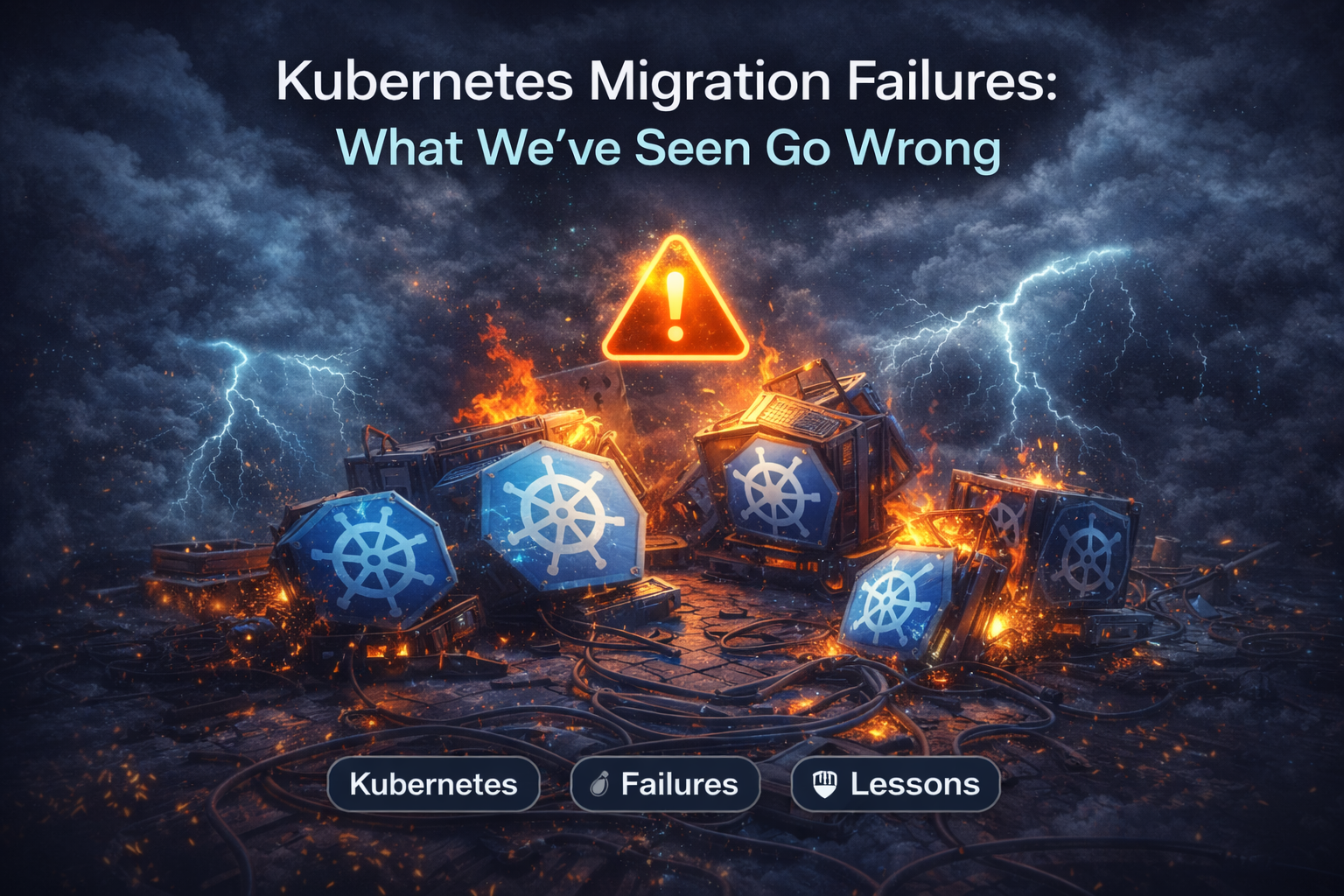
Migrations don't fail because of K8s; they fail because of assumptions. From OOMKills to 'flat network' traps, here are the technical reasons migrations blow up.
Author: CloudOpsPro Engineering Team
Category: Migrations, Kubernetes, Post-Mortems
Date: November 10, 2025
Kubernetes migrations rarely fail because Kubernetes "didn't work." They fail because of assumptions. Legacy applications assume things—about local disks, about static IP addresses, about being the only process on a server. Kubernetes breaks all these assumptions.
We have cleaned up dozens of failed migrations. Here are the top 5 technical reasons they failed.
1. The "Local Disk" Fallacy
The Mistake:
Developers treat the container filesystem as durable storage. They write logs to /var/log/app.log, generate PDF reports to /tmp/reports, or store session files locally.
The Reality: In K8s, when a pod restarts (which happens often!), that filesystem is wiped. Result: "Why did all our user sessions disappear last night?"
The Fix:
- Logs: Must go to
stdout/stderr. No files. - Temp Files: Use
emptyDirvolumes if they are truly temporary. - Persistent Data: Must go to a PVC (Persistent Volume Claim) backed by EBS/EFS, or better yet—S3. Stop storing state in your pods.
2. Network Policies & The "Flat Network" Trap
The Mistake: Security teams demand a "Zero Trust" network policy on Day 1, blocking all ingress/egress by default.
The Reality: You don't know all the dependencies your monolith has. It talks to DNS, to a legacy NTP server, to a third-party billing API. Result: The migration works in staging, but fails in Prod because the egress rules were slightly different.
The Fix: Start with Permissive, Log-Only policies. Use tools like Cilium Hubble or Calico to visualize traffic flows for 2 weeks. Then lock it down.
3. The JVM Memory Mismatch (OOMKills)
The Mistake: Java apps running in containers without container-awareness. The node has 16GB RAM. The JVM sees 16GB and sets its Heap to 4GB. You set the Kubernetes Pod Limit to 2GB.
The Reality:
The JVM tries to allocate 4GB. The Linux Kernel (cgroup OOM Killer) sees the process cross the 2GB Pod limit and kill -9 it instantly.
Result: Random "CrashLoopBackOff" with no logs.
The Fix:
- Enable
-XX:+UseContainerSupport(default in newer Java). - Explicitly set
-XX:MaxRAMPercentage=75.0so the JVM respects the container limit.
resources:
  requests:
    memory: "2Gi"
  limits:
    memory: "2Gi"
4. Ignoring Graceful Shutdowns
The Mistake:
K8s scales down a pod. It sends a SIGTERM signal. The app ignores it. 30 seconds later, K8s sends SIGKILL.
The Reality: Any in-flight requests during that 30-second window are severed abruptly. User transactions fail. Database connections are left "hanging".
The Fix:
Your app code must listen for SIGTERM.
- Stop accepting new HTTP requests (readiness probe fails).
- Finish processing current requests.
- Close DB connections.
- Exit(0).
Also, use preStop hooks for legacy apps that can't be modified:
lifecycle:
  preStop:
    exec:
      command: ["/bin/sleep", "10"]
This gives the load balancer time to deregister the pod before the app dies.
5. Lacking a Rollback Plan
The Mistake: "We will migrate on Sunday. If it fails, we will fix it forward."
The Reality: It fails at 3 AM. The "fix" introduces a data corruption bug. Now you can't go back because the database schema changed.
The Fix: Blue/Green Deployment is mandatory for migrations.
- Keep the Legacy (Blue) environment running.
- Deploy to K8s (Green).
- Route 1% of traffic to Green.
- If errors spike, revert traffic to Blue instantly via DNS/Load Balancer.
Summary
Kubernetes is strict. It forces you to write better, stateless, 12-factor apps. If your app fights these patterns, Kubernetes will fight back.
Check our K8s Readiness Checklist before you start.
Tagged with
Need help with your infrastructure?
Book a free architecture review and get expert recommendations.
Book Architecture ReviewCloud Infrastructure & DevOps
Read Next
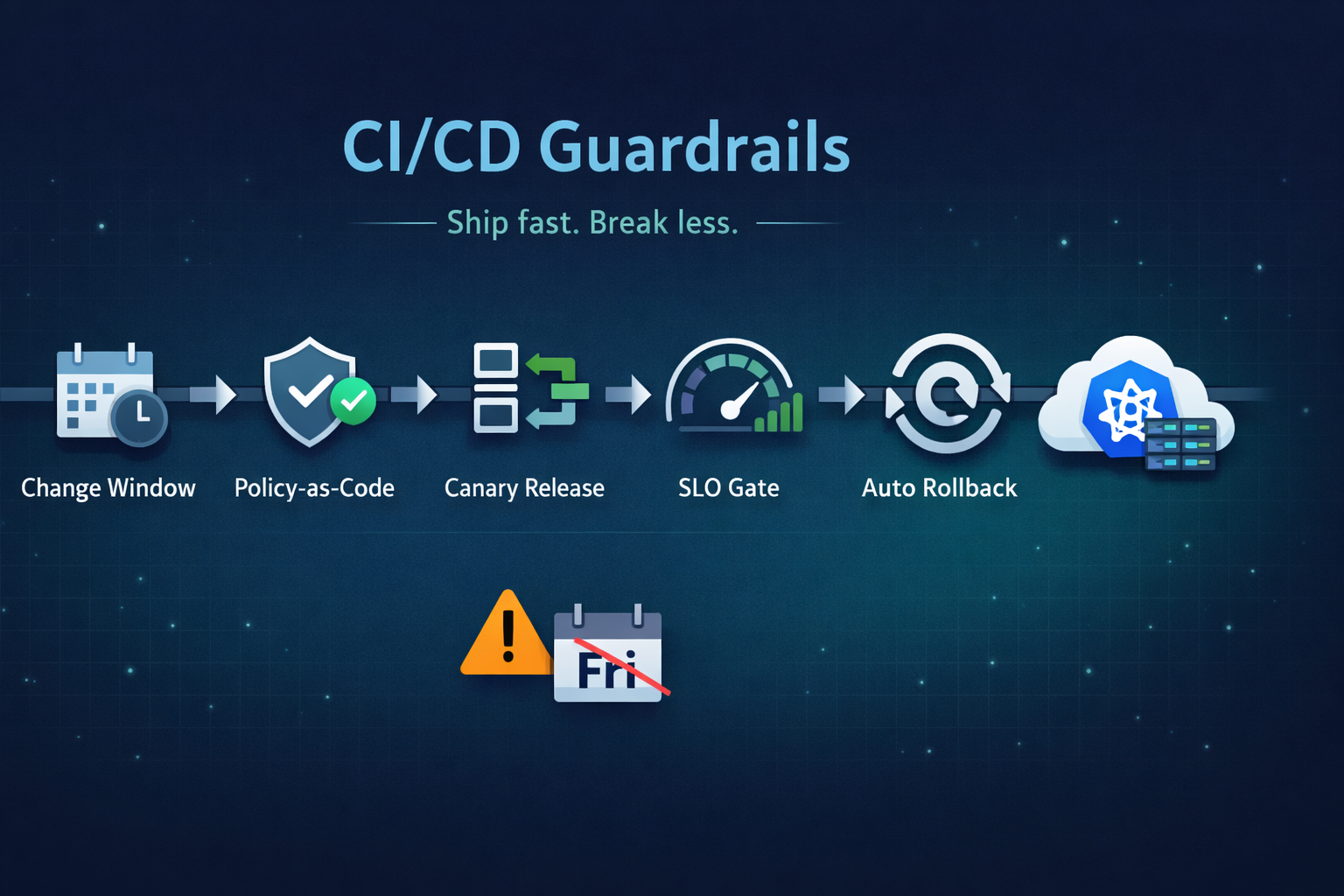
Ship fast without breaking prod. Our 5 guardrails: change windows, policy-as-code, canary releases, SLO-based gating, and automated rollback.

Stop clicking in the console. Learn the 5 non-negotiable best practices for scaling your Infrastructure as Code using Terraform.
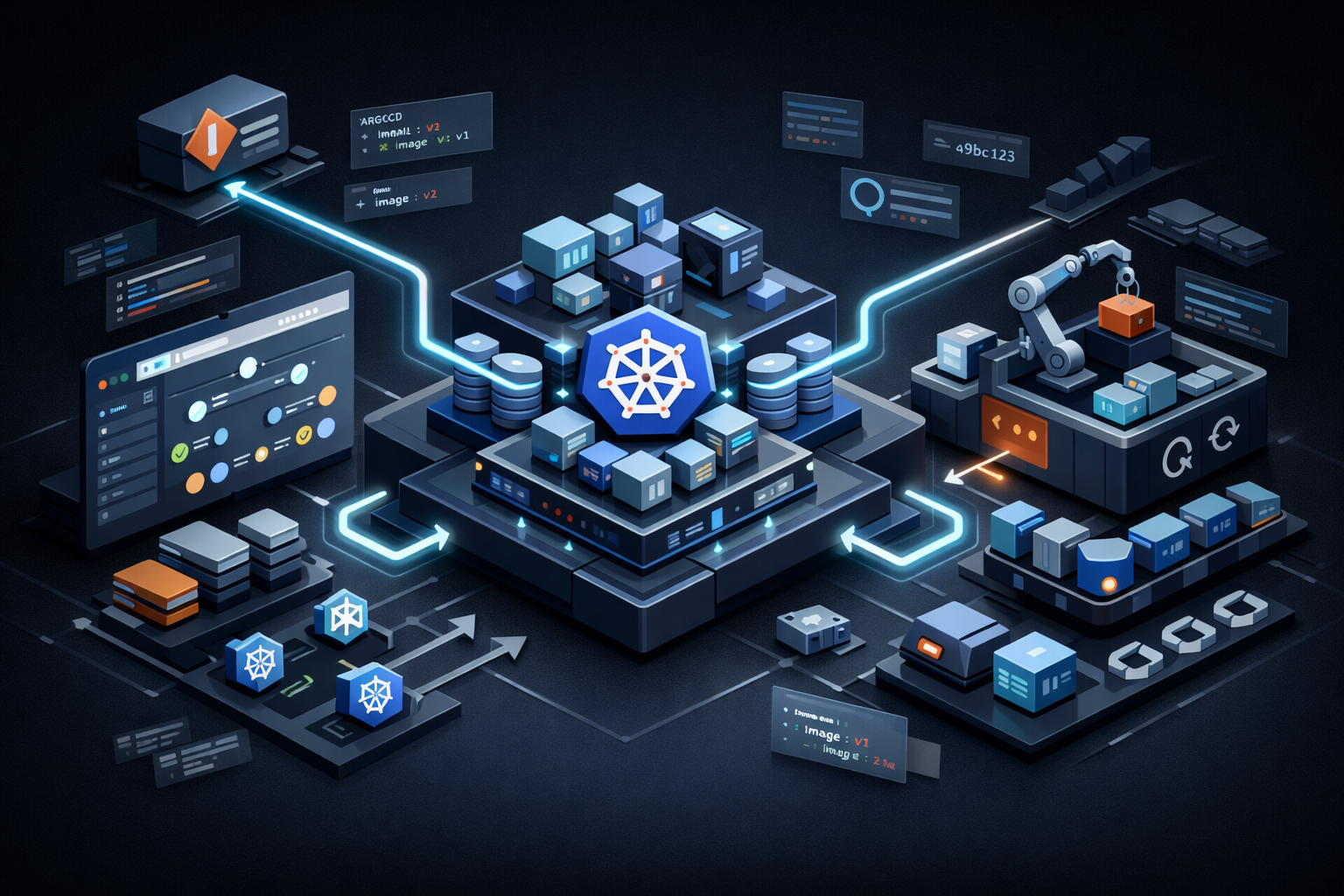
From the three-repository pattern to progressive delivery with Argo Rollouts. Real-world GitOps architecture that eliminates drift and provides audit trails.