Infrastructure as Code: 5 Best Practices for Scale
Stop clicking in the console. Learn the 5 non-negotiable best practices for scaling your Infrastructure as Code using Terraform.
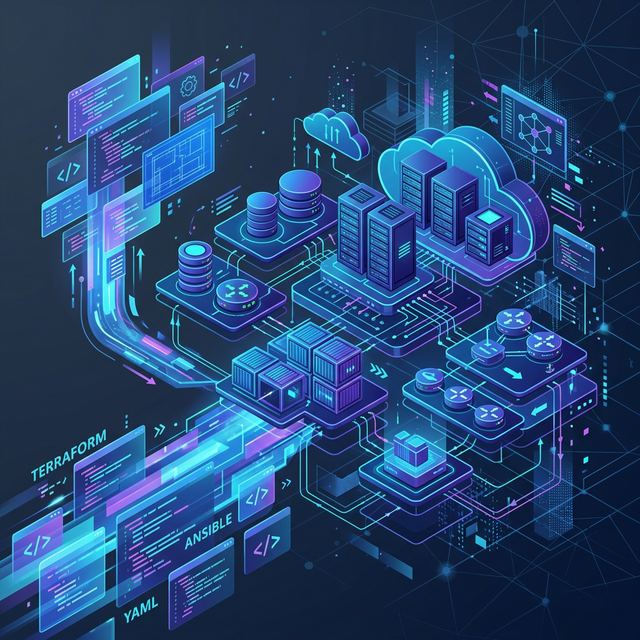
Moving from manual point-and-click console configuration to Infrastructure as Code (IaC) is a massive leap forward for any engineering team. It brings version control, repeatability, and peer review to your cloud environments.
However, as your team and infrastructure grow, simple Terraform scripts can quickly transform into a tangled, hard-to-maintain mess. "ClickOps" turns into "CopyPasteOps", and state file corruption becomes a terrifying possibility.
If you're using Terraform, Pulumi, or any declarative IaC tool at scale, you need strict boundaries. Here are the 5 non-negotiable best practices we implement at CloudOpsPro to keep infrastructure scaling predictably.
1. Remote State Management & Locking
Local state files (terraform.tfstate) are the enemy of collaboration. If two engineers try to apply changes simultaneously from their laptops, or if someone forgets to commit the state file, your infrastructure will drift into an unrecoverable state.
The Standard Pattern:
- Centralized Storage: Use an enterprise-grade backend like an S3 bucket or a GCS bucket to store your state remotely.
- State Locking: Always use a state locking mechanism (like a DynamoDB table with S3) to prevent concurrent executions from corrupting the state file.
- Versioning and Encryption: Enable versioning on your storage bucket to recover from accidental state deletion, and ensure the bucket is encrypted at rest via KMS.
Your state file contains secrets (database passwords, API keys) in plaintext. It must be locked down with the strictest IAM policies available.
2. Decouple Environments with Workspaces and Directories
Running your production, staging, and development environments from a single state file is a disaster waiting to happen. A single typo could destroy production while you're trying to spin up a dev database.
The Strategy:
- Absolute Isolation: Separate your environments completely. Use separate state files for
dev,staging, andprod. - Structural Organization: We recommend a directory-based approach (
environments/prod/,environments/dev/) over Terraform Workspaces for large projects. Directory separation provides clearer visibility into the differences between environments and reduces the risk of applying the wrong state. - Blast Radius Reduction: Even within production, split your state. Keep the networking state separate from the application state, and the core database state separate from peripheral services. If your App update fails, it shouldn't take the VPC down with it.
3. Keep Things DRY with Reusable Modules
Avoid repeating configuration blocks. If you create a standard pattern for an ECS cluster or an RDS database, that pattern should be abstracted into a module.
How to modularize effectively:
- Abstract the Complexity: A module should hide complex networking, IAM roles, and security groups behind a simple, intuitive interface consisting of essential input variables.
- Version Pin Everything: External modules (from the Terraform Registry) and internal modules must be pinned to specific tags or Git SHAs.
source = "git::https://github.com/myorg/modules.git//vpc?ref=v1.2.0". Never usemasterormain. - The "Goldilocks" Size: Don't make modules too small (e.g., a simple S3 bucket with no special configuration), but don't make them monolithic (e.g., the entire company infrastructure in one module).
4. Policy as Code (Enforce Security Before Deployment)
Waiting for cloud security posture management (CSPM) tools to flag an unencrypted S3 bucket in production is too late. The vulnerability already exists.
By treating infrastructure as code, we can treat security as unit tests.
Implementation:
- Pre-Flight Checks: Use tools like Open Policy Agent (OPA) with Conftest, Checkov, or Tfsec.
- The Ruleset: Enforce rules automatically in CI:
- No public S3 buckets.
- All DB instances must have encryption at rest enabled.
- IAM paths cannot use
*for sensitive resources. - Mandatory tagging policies (e.g.,
Environment,Owner,CostCenter).
If the code violates these policies, the Pull Request pipeline fails immediately.
5. Automate the IaC Lifecycle in CI/CD
Applying Terraform from a developer's laptop using administrative credentials is the most common way teams bypass review, drift environments, and ultimately break things.
The Golden Pipeline:
- No Local Applies: The only entity allowed to run
terraform applyis the CI/CD pipeline role. Human access to production AWS/GCP accounts should be read-only for debugging. - The PR Workflow:
- Open a Pull Request.
- The CI pipeline runs
terraform fmt,tflint, and security checks (Checkov). - The CI pipeline runs
terraform planand automatically comments the output directly on the PR. - Reviewers approve the PR based on the visible plan.
- Upon merge to
main, the pipeline runsterraform apply.
This guarantees that what is reviewed is exactly what gets applied, and creates a clear, auditable trail of every infrastructure change in your Git history.
Conclusion
Infrastructure as Code is powerful, but without guardrails, it simply automates the creation of technical debt. By locking your state, abstracting with modules, decoupling environments, shifting security left with Policy-as-Code, and removing human hands from the apply button, you can scale your cloud footprint safely and predictably.
If you are struggling with a monolithic Terraform codebase that takes 20 minutes to plan and no one dares to change, book an architecture review with us. We help teams untangle their IaC and build pipelines that run like clockwork.
Tagged with
Need help with your infrastructure?
Book a free architecture review and get expert recommendations.
Book Architecture ReviewCloud Infrastructure & DevOps
Read Next
Why committing .tfstate to Git is a security disaster. A guide to setting up robust S3+DynamoDB remote backends with encryption and locking.
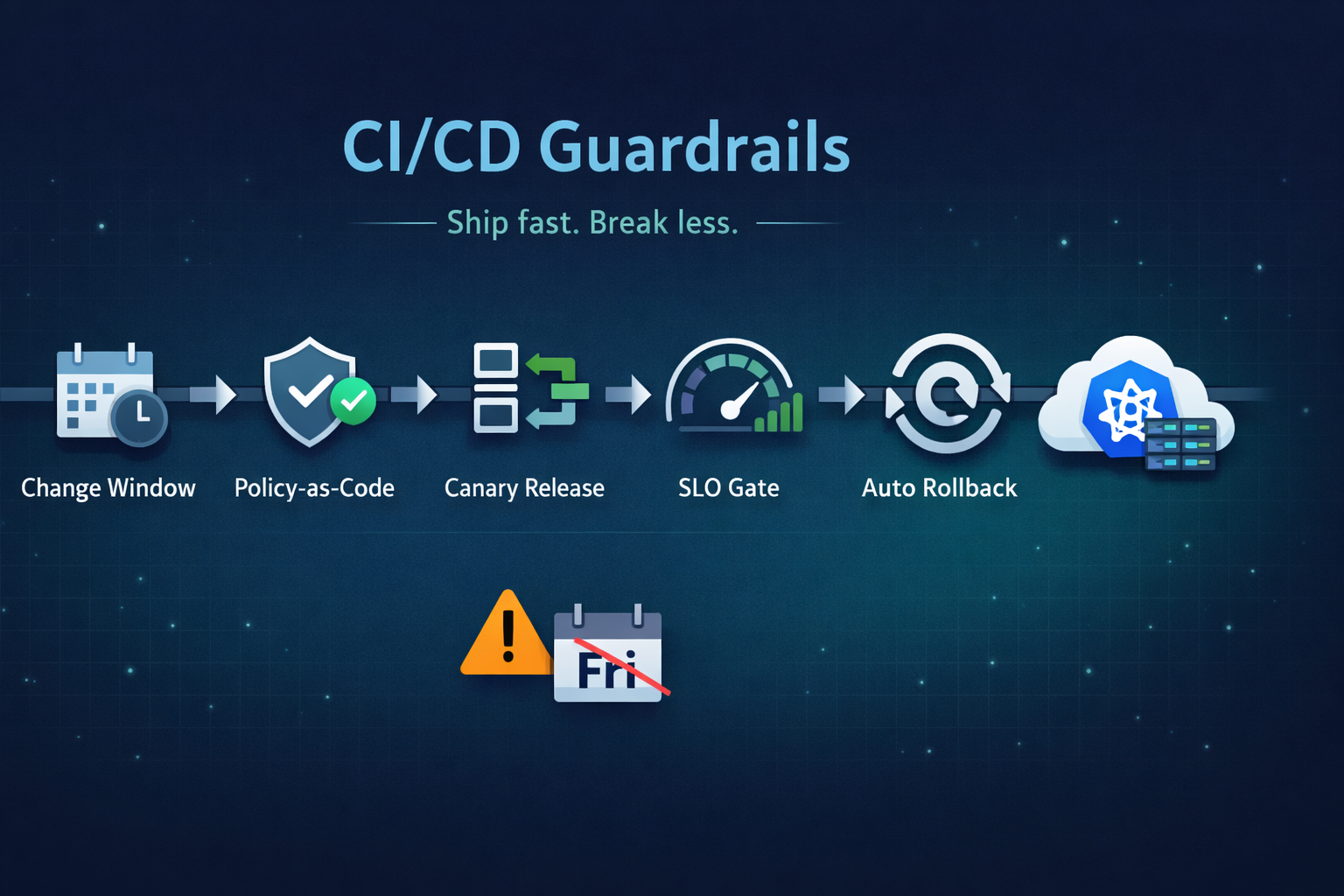
Ship fast without breaking prod. Our 5 guardrails: change windows, policy-as-code, canary releases, SLO-based gating, and automated rollback.
Running on two clouds usually means double the pain. True portability comes from open standards (K8s, Terraform) and abstraction layers, not just multiple accounts.