Zero-Downtime Database Migration: Our Playbook
Migrating a 2TB database is easy if you can take 8 hours of downtime. Migrating it with zero downtime is an art form—here’s the expand/contract playbook.
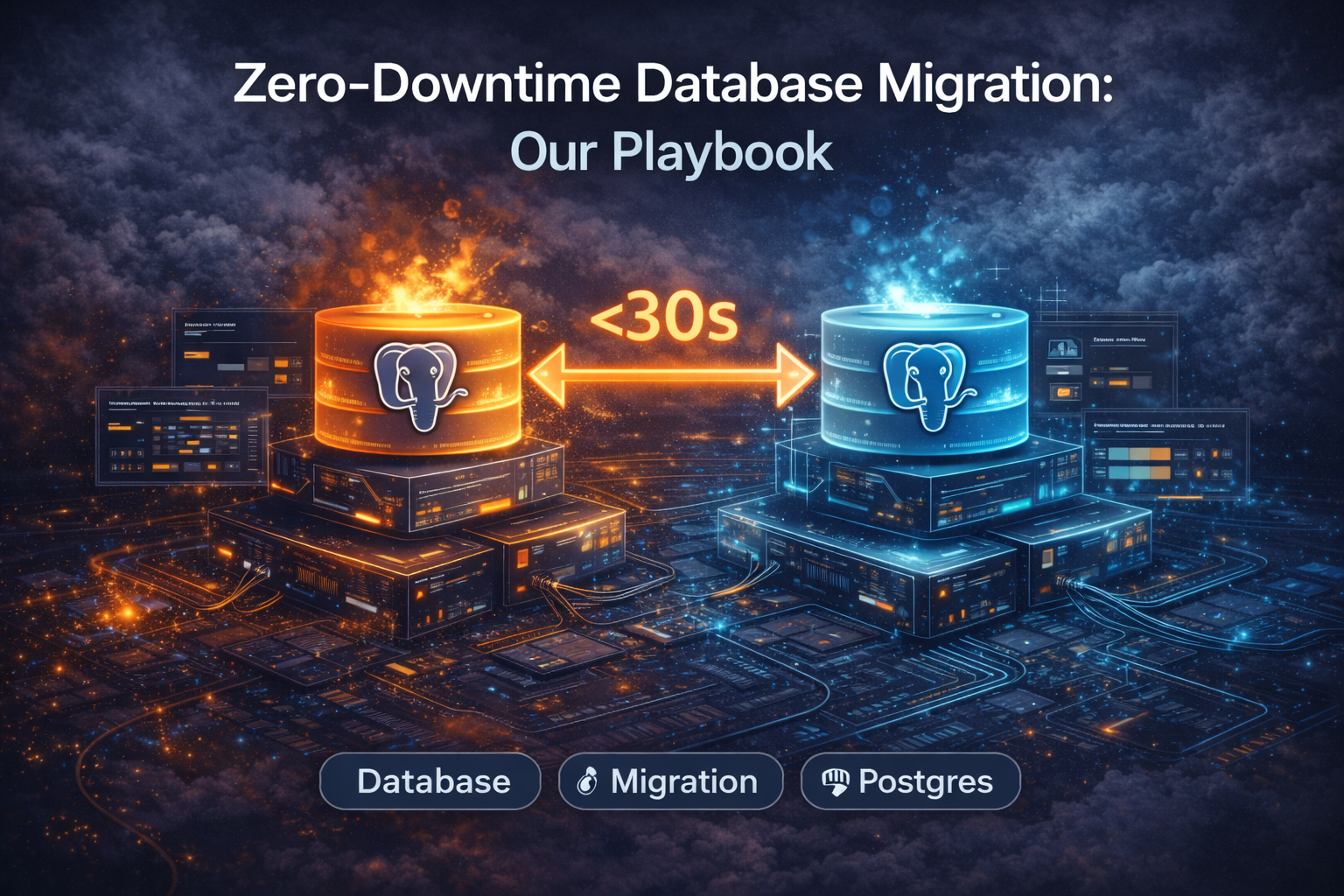
Migrating a 2TB database is easy if you can take 8 hours of downtime. Migrating it with zero downtime (or <1 minute) is an art form.
Whether you are moving from On-Prem Oracle to RDS Postgres, or just upgrading Postgres versions, the pattern is the same. We call it the Expand-Contract Pattern.
Phase 1: The Setup (Replication)
You cannot "move" data instantly. You must replicate it.
- Snapshot: Take a dump of the Source DB.
- Restore: Load it into Target DB.
- CDC (Change Data Capture): Catch up on everything that happened since the snapshot.
- Tools: AWS DMS (Database Migration Service), Debezium, or native logical replication.
Checkpoint: The Target DB is now a "follower" of the Source DB.
Phase 2: Dual Writes (The Code Change)
This is the most critical phase. You need to update your application to know about both databases.
Step A: Update code to write to Source AND Target.
- NOTE: This is dangerous. If the write to Target fails, should the request fail? usually no (log it async).
- Better Approach: Let the CDC tool handle the replication. Application stays ignorant.
Step B (Safer): The "Read-Source, Write-Source" state. App works normally. Target DB catches up via replication.
Phase 3: The "Dark Read" (Validation)
Before you switch over, you must verify the data integrity.
Enable Dark Reads (or Shadow Reads):
- App reads from Source (returns to user).
- App asynchronously reads from Target.
- Compare the results.
- If they match: Log "Success". If different: Log "Data Mismatch".
Fix any discrepancies found here. Do not proceed until you have 100% match rate.
Phase 4: The Cutover (The Pivot)
The scary moment.
Strategy 1: The Maintenance Window (Safety First)
- Put App in "Maintenance Mode" (Read-Only).
- Wait for CDC lag to hit 0 (should take seconds).
- Update App config to point to Target.
- Restart App.
- Downtime: ~1-2 minutes.
Strategy 2: The Zero-Downtime Swap
- Sequence Handling: Ensure your Primary Keys on Target are offset (e.g., start sequences at +1 Billion) to avoid collisions if you have to fallback.
- Flip the Switch: Deploy a config change (Feature Flag) that switches writes to Target.
- Reverse Replication: Immediately start replicating from Target back to Source (in case you need to rollback).
Common Pitfalls
- Sequences/Auto-Increment: If you switch to Target, and it tries to insert ID
100but Source already had100, you crash. Always sync sequences last. - Triggers: Triggers on the Target DB might fire during replication, causing double-execution of logic (e.g., sending two emails). Disable triggers on Target until cutover.
- Latency: The Target DB might be cold (empty cache). Expect a performance dip for the first 10 minutes.
The Golden Rule
"If you can't rollback, don't migrate." Always have the reverse-replication path planned. If the new DB performs poorly, you must be able to switch back to the old one without data loss.
Tagged with
Need help with your infrastructure?
Book a free architecture review and get expert recommendations.
Book Architecture ReviewCloud Infrastructure & DevOps
Read Next
Migrations don't fail because of K8s; they fail because of assumptions. From OOMKills to 'flat network' traps, here are the technical reasons migrations blow up.
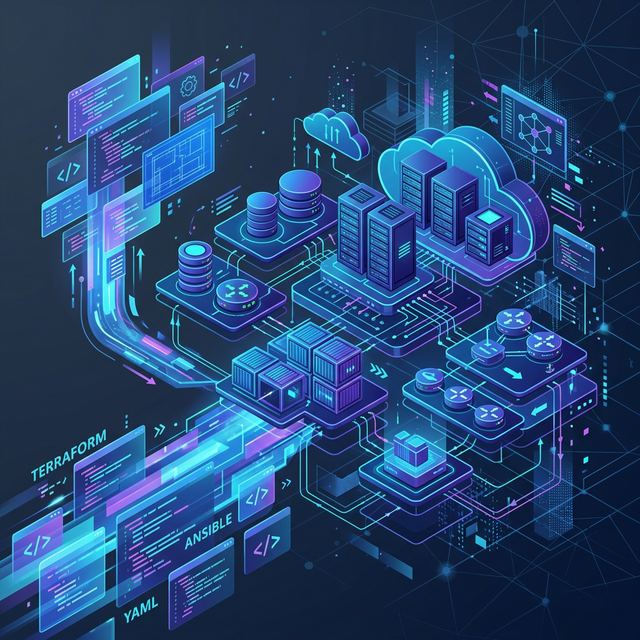
Stop clicking in the console. Learn the 5 non-negotiable best practices for scaling your Infrastructure as Code using Terraform.
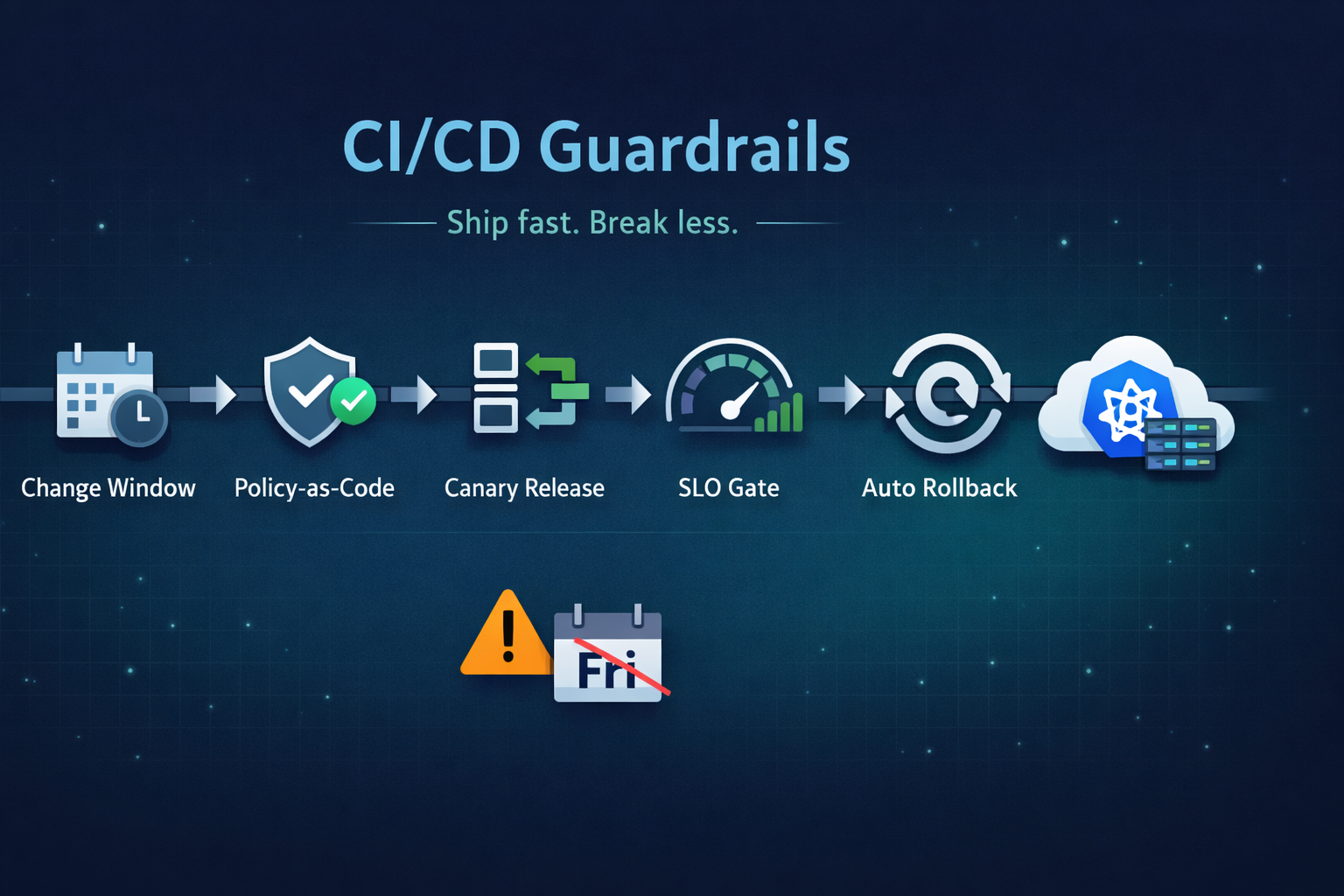
Ship fast without breaking prod. Our 5 guardrails: change windows, policy-as-code, canary releases, SLO-based gating, and automated rollback.