Terraform State Management: Kill Local State
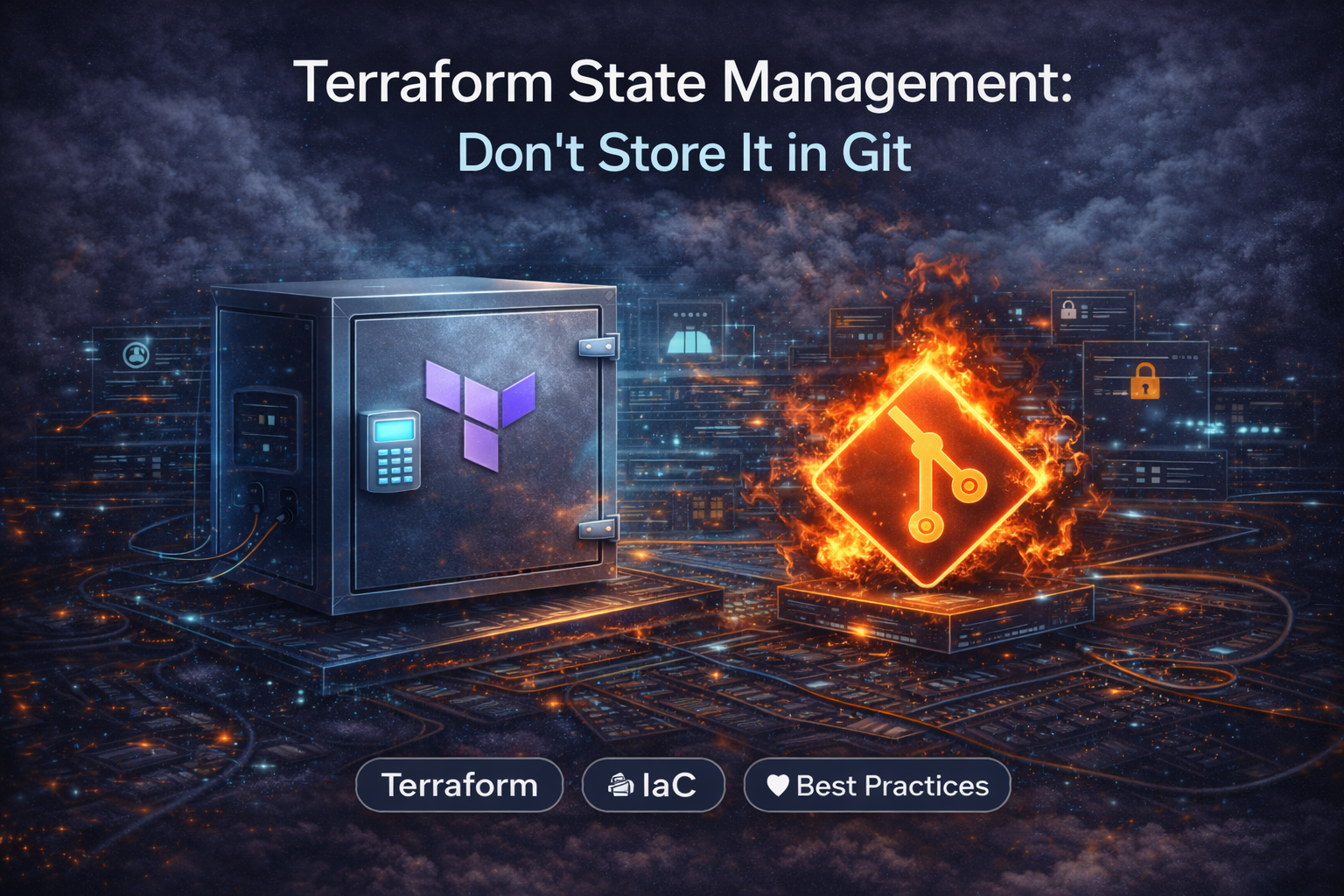
Why committing .tfstate to Git is a security disaster. A guide to setting up robust S3+DynamoDB remote backends with encryption and locking.
Author: CloudOpsPro Engineering Team
Category: DevOps, IaC, Security
Date: December 12, 2025
We still see it in 2025: A terraform.tfstate file committed to a Git repository.
This is the DevOps equivalent of storing your credit card number on a sticky note in a public park.
Terraform State is the "brain" of your infrastructure. If it is lost, corrupted, or exposed, it is Game Over.
1. Why Git Storage is Fatal
-
Secrets in Plain Text: Terraform state files store the results of resources. If you create an RDS database and pass a password, that password is stored in plain text in the state file. Commit to Git -> Secrets are compromised forever.
-
No Locking: Two engineers run
terraform applyat the same time. Git doesn't prevent this. They overwrite each other's changes. Result: Corrupted infrastructure and undefined state. -
Manual Errors: "Oops, I forgot to pull before applying." Now your local state is out of sync with reality.
2. The Solution: Remote Backends with Locking
The extensive standard is S3 + DynamoDB (on AWS).
- S3 Bucket: Stores the state file (Versioning enabled).
- DynamoDB Table: Handles the Locking.
Configuration Example
# backend.tf

terraform {
  backend "s3" {
    bucket         = "company-terraform-state-prod"
    key            = "vpc/terraform.tfstate"
    region         = "us-east-1"

    # The Lock Table
    dynamodb_table = "terraform-lock-table"

    # Encryption works by default, but explicit is better
    encrypt        = true
  }
}
Now, when Engineer A runs terraform plan, Terraform writes a Lock ID to DynamoDB.
If Engineer B tries to run apply, Terraform checks DynamoDB, sees the lock, and errors out:
Error: Error acquiring the state lock.
Safety secured.
3. Best Practices for State Security
Since the state file contains secrets (RDS passwords, IAM keys, TLS private keys):
- Encryption at Rest: Ensure the S3 bucket has Server-Side Encryption (SSE-S3 or KMS) enabled.
- Access Control: Only the CI/CD role and top-level admins should have
s3:GetObjecton the state bucket. Developers generally don't need raw state access; they just need to see the Plan output. - Versioning: Enable S3 Versioning. If a
terraform applycorrupts your state file, you can roll back the S3 object to the previous version to recover.
4. Terraform Cloud / Spacelift
If managing S3 backends feels too manual, managed backends like Terraform Cloud or Spacelift are excellent alternatives. They handle:
- State hosting
- Locking
- History/Diffs of state
- Run triggers
Verdict:
- Small/Mid Teams: S3 + DynamoDB is fine (and free/cheap).
- Large Enterprise: Use a managed backend for Audit logs and RBAC.
Whatever you do, add *.tfstate to your .gitignore right now.
Tagged with
Need help with your infrastructure?
Book a free architecture review and get expert recommendations.
Book Architecture ReviewCloud Infrastructure & DevOps
Read Next

Stop clicking in the console. Learn the 5 non-negotiable best practices for scaling your Infrastructure as Code using Terraform.
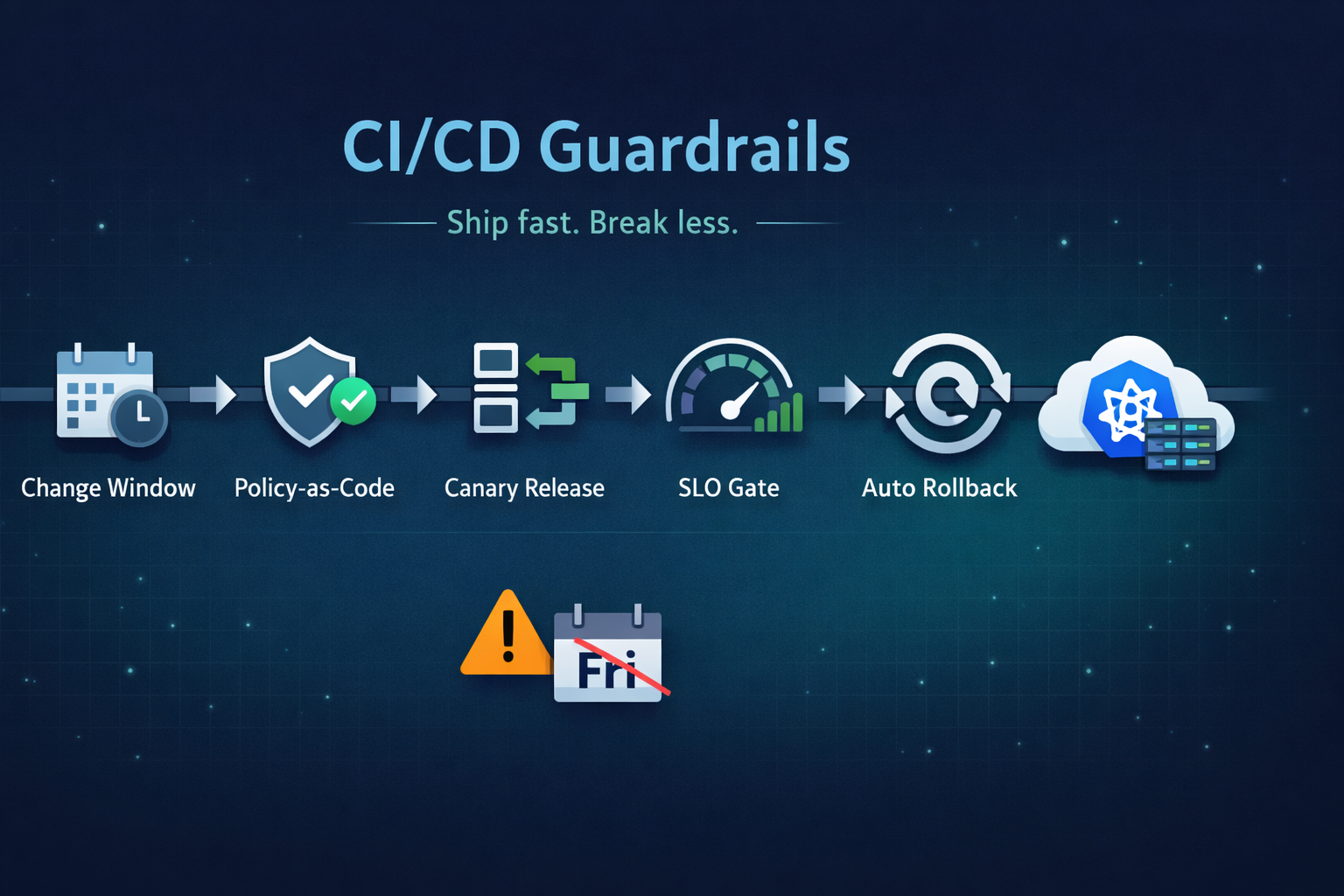
Ship fast without breaking prod. Our 5 guardrails: change windows, policy-as-code, canary releases, SLO-based gating, and automated rollback.
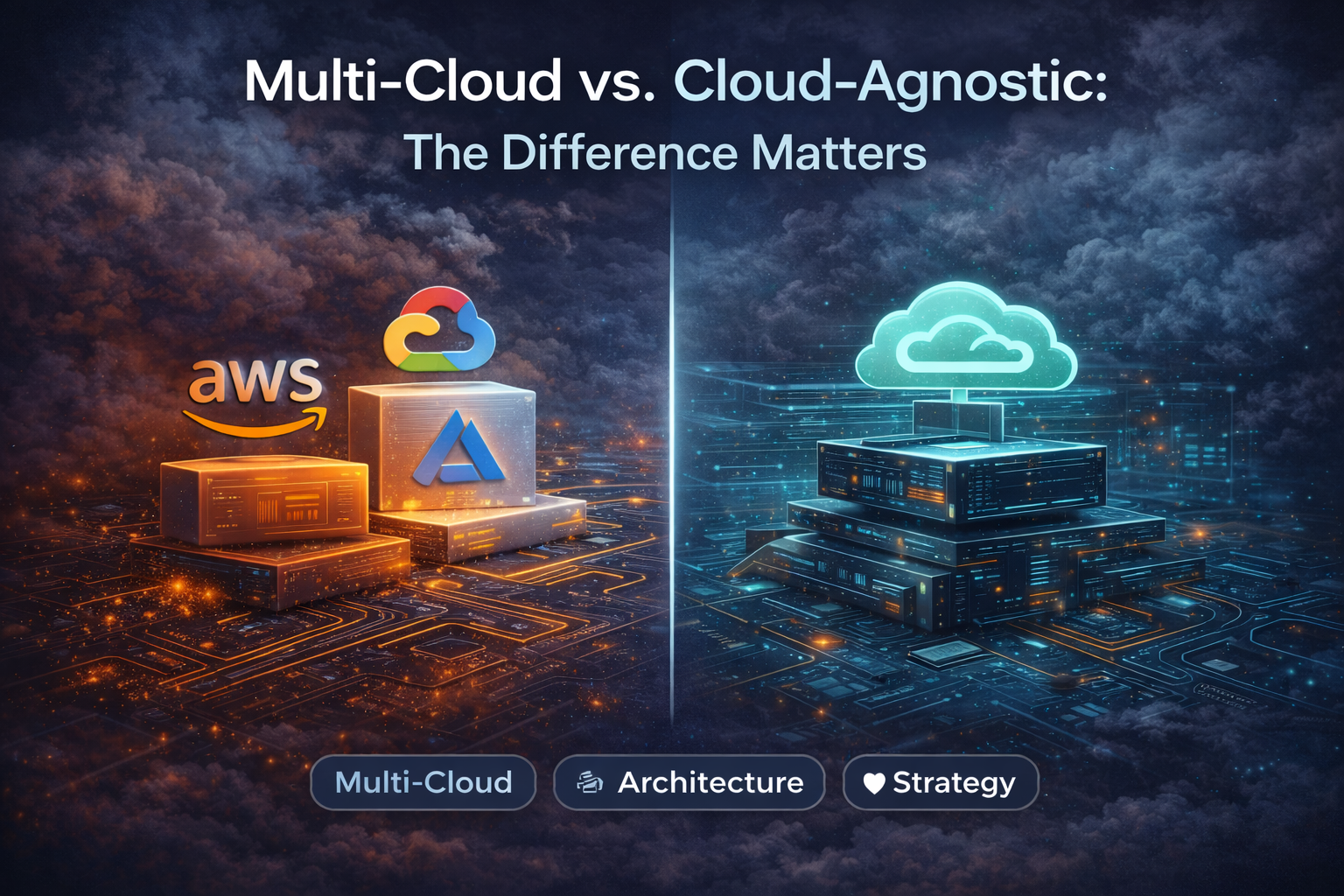
Running on two clouds usually means double the pain. True portability comes from open standards (K8s, Terraform) and abstraction layers, not just multiple accounts.